

FileLu Browser Extension
FileLu Uploader Extension
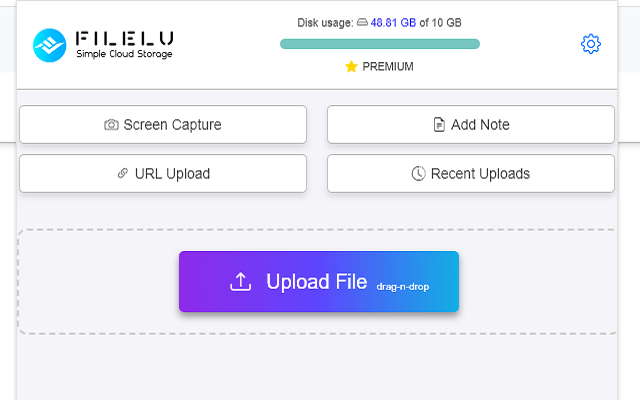
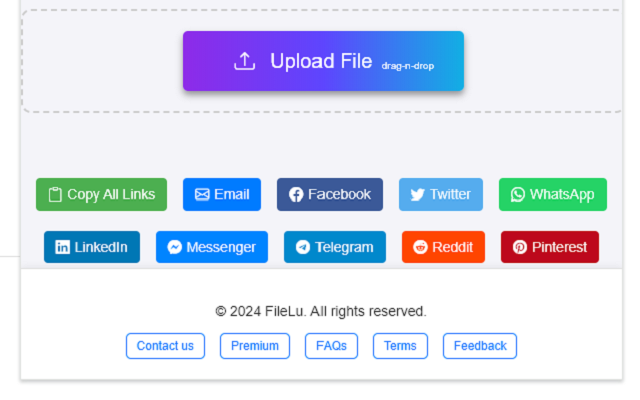
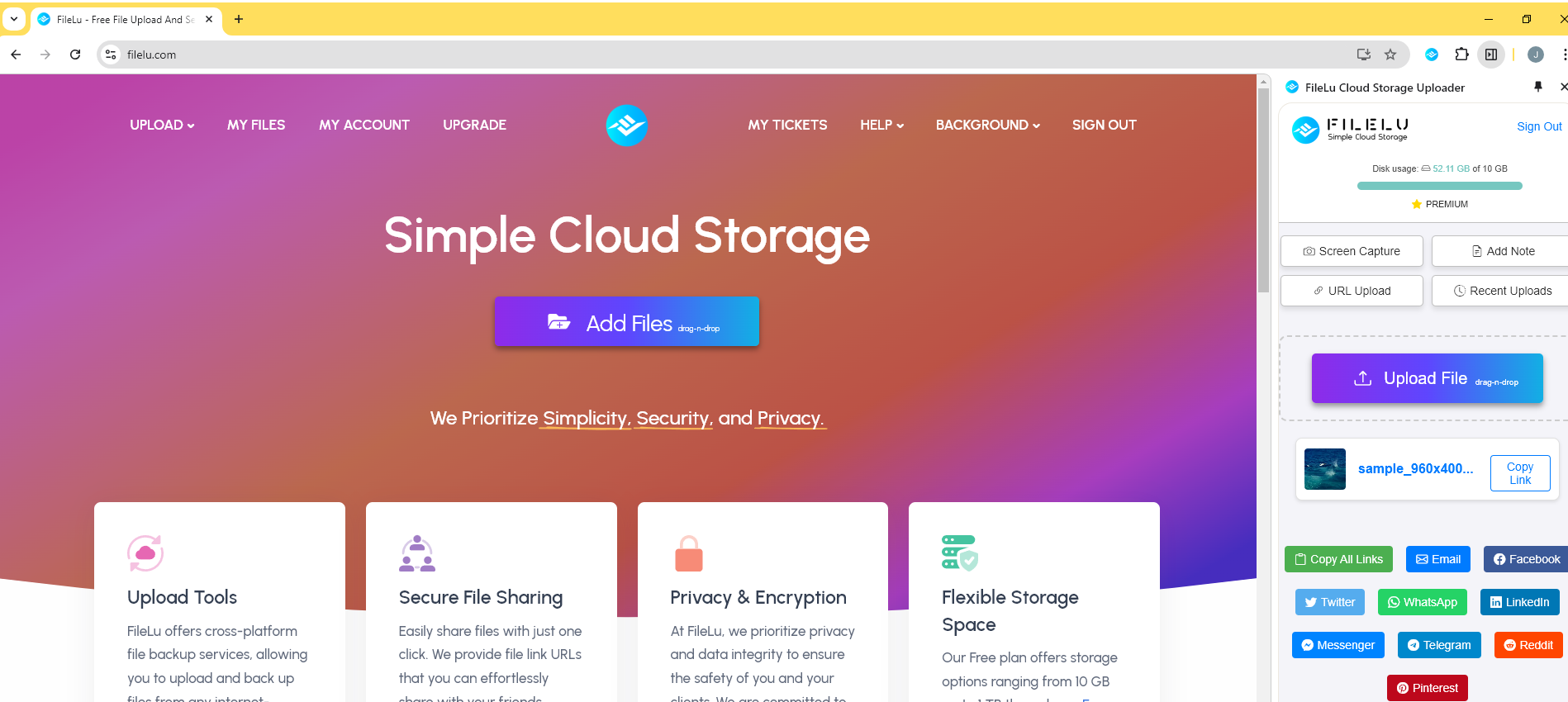
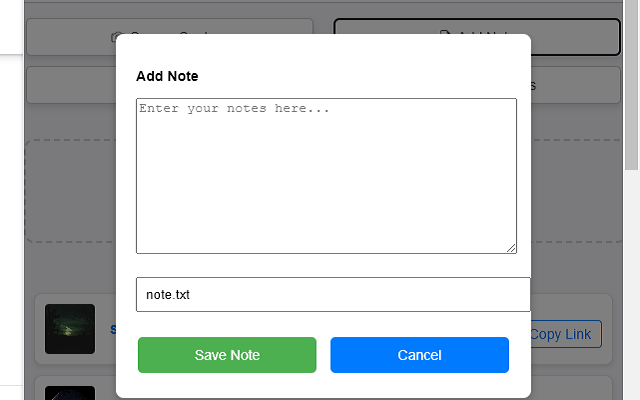
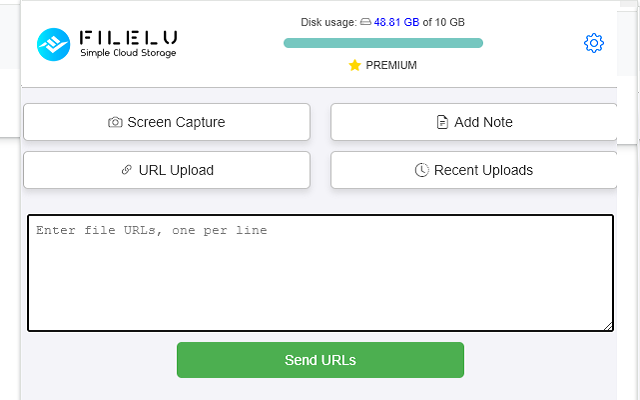
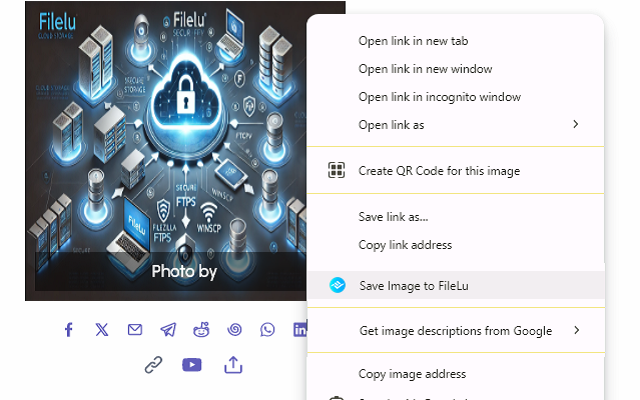
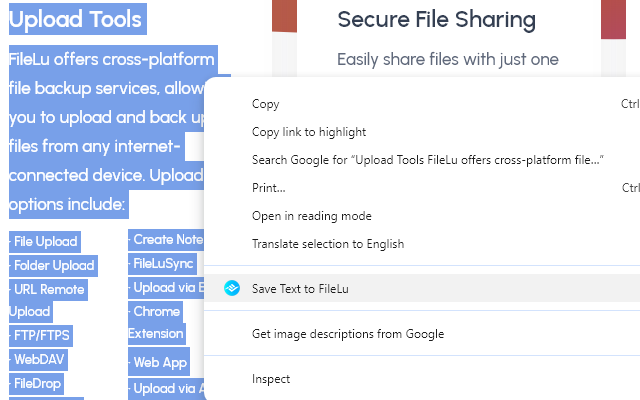
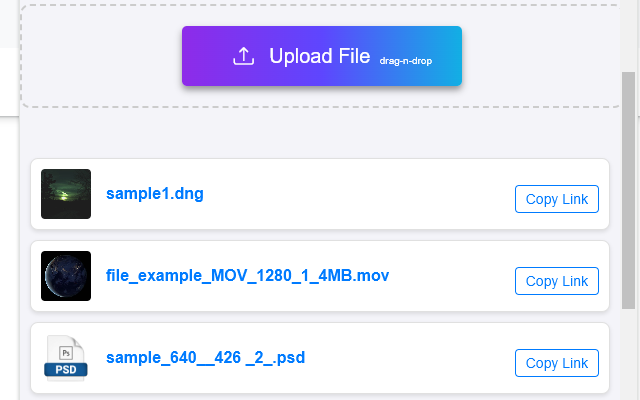
Effortlessly manage your uploads with the FileLu Uploader extension. Upload files, perform remote URL uploads, take screenshots, save images, save highlighted text, and add notes directly from your browser to your FileLu account.
Whether you're uploading documents, images, or videos, the extension simplifies the process and helps you work more efficiently without leaving your current webpage.
This extension is ideal for professionals, students, and anyone who frequently needs to upload and share files or visual content without unnecessary steps.
Key Features
Trusted by 146,000+ users worldwide.
FileLu delivers secure, scalable cloud storage with powerful upload tools, cross-platform access, and privacy-first encryption — all without hidden fees.
Get Started FreeUpload & Sync Tools
Upload via Web, FTP, WebDAV, Rclone, Rsync, API, mobile apps, browser extensions, and more.
Secure File Sharing
Share files via links, email, or teams with password protection and flexible access controls.
Privacy & Encryption
SSL-secured transfers and optional Secure-Solo-Cipher Encryption ensure only you control your data.
Flexible Storage
From free plans to 1PB scalable storage. Easily upgrade and share space with teams or family.