

FileLuSync Desktop and Mobile App





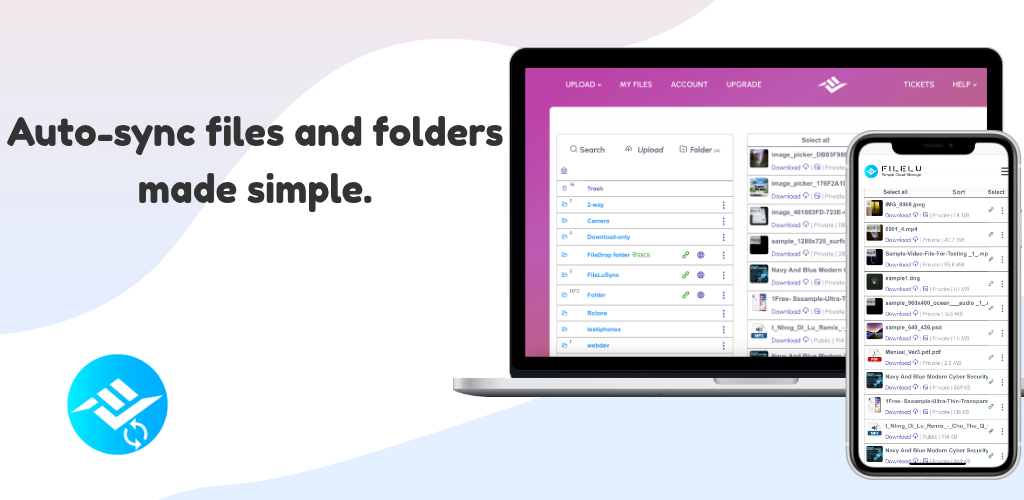
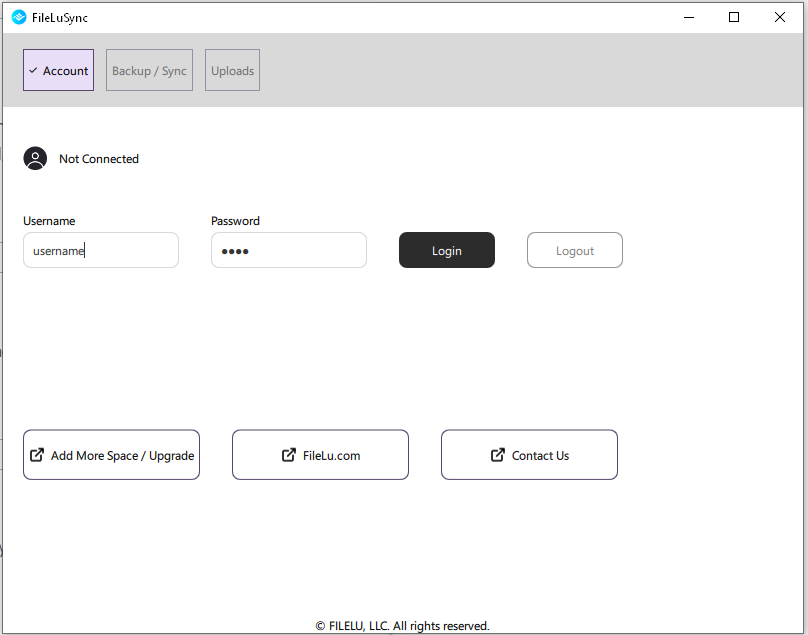
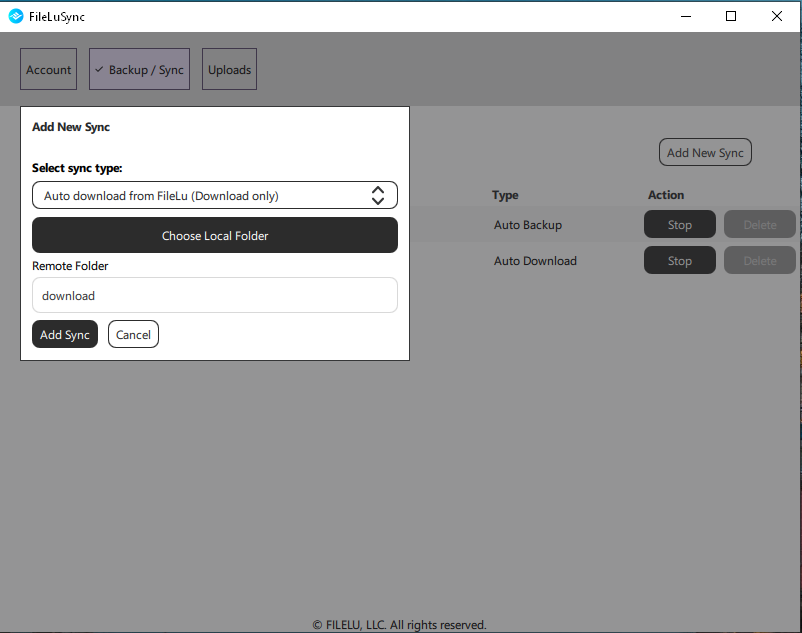
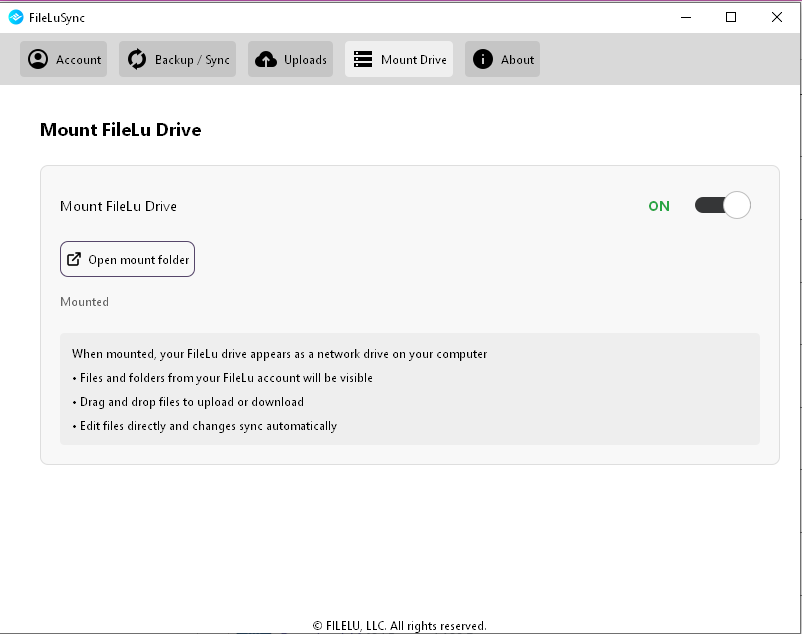
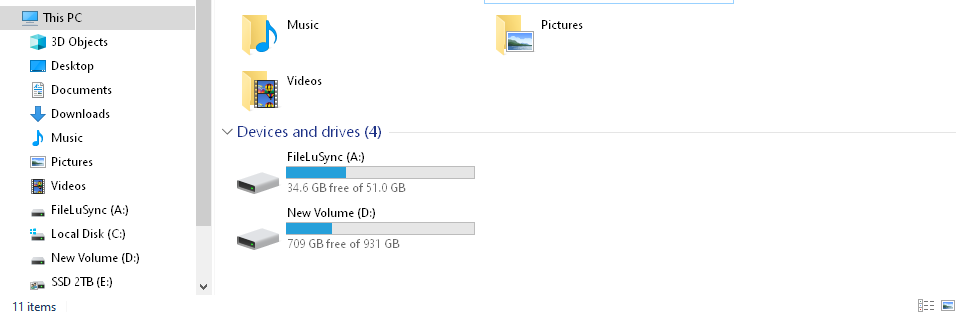
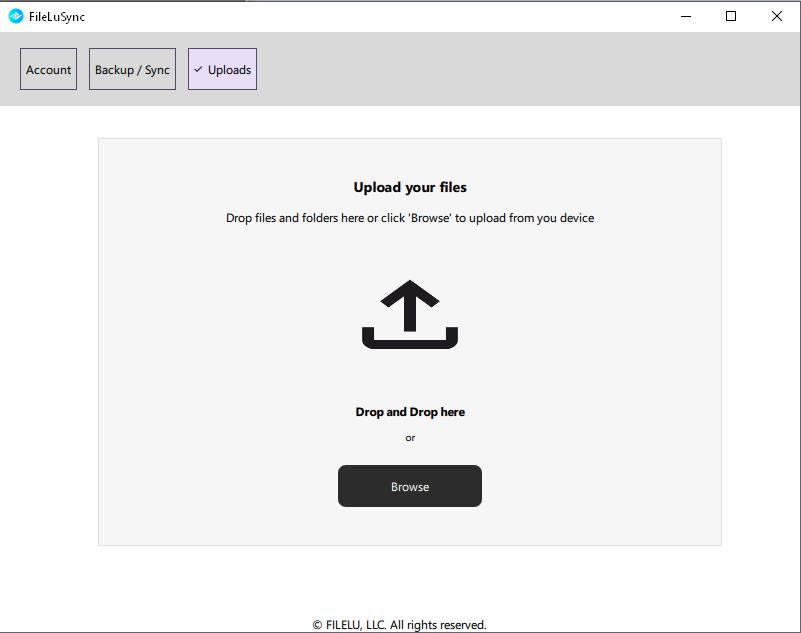
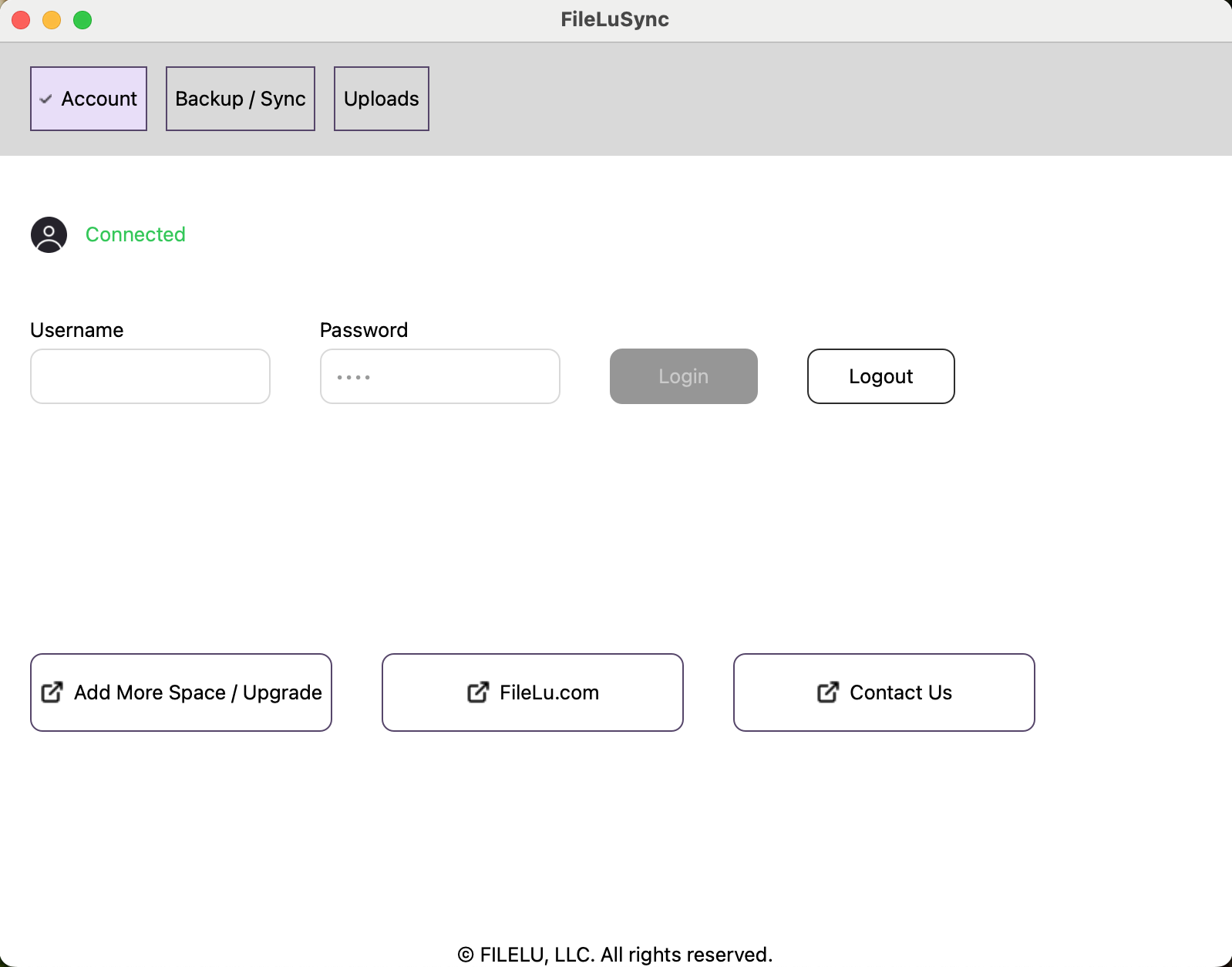
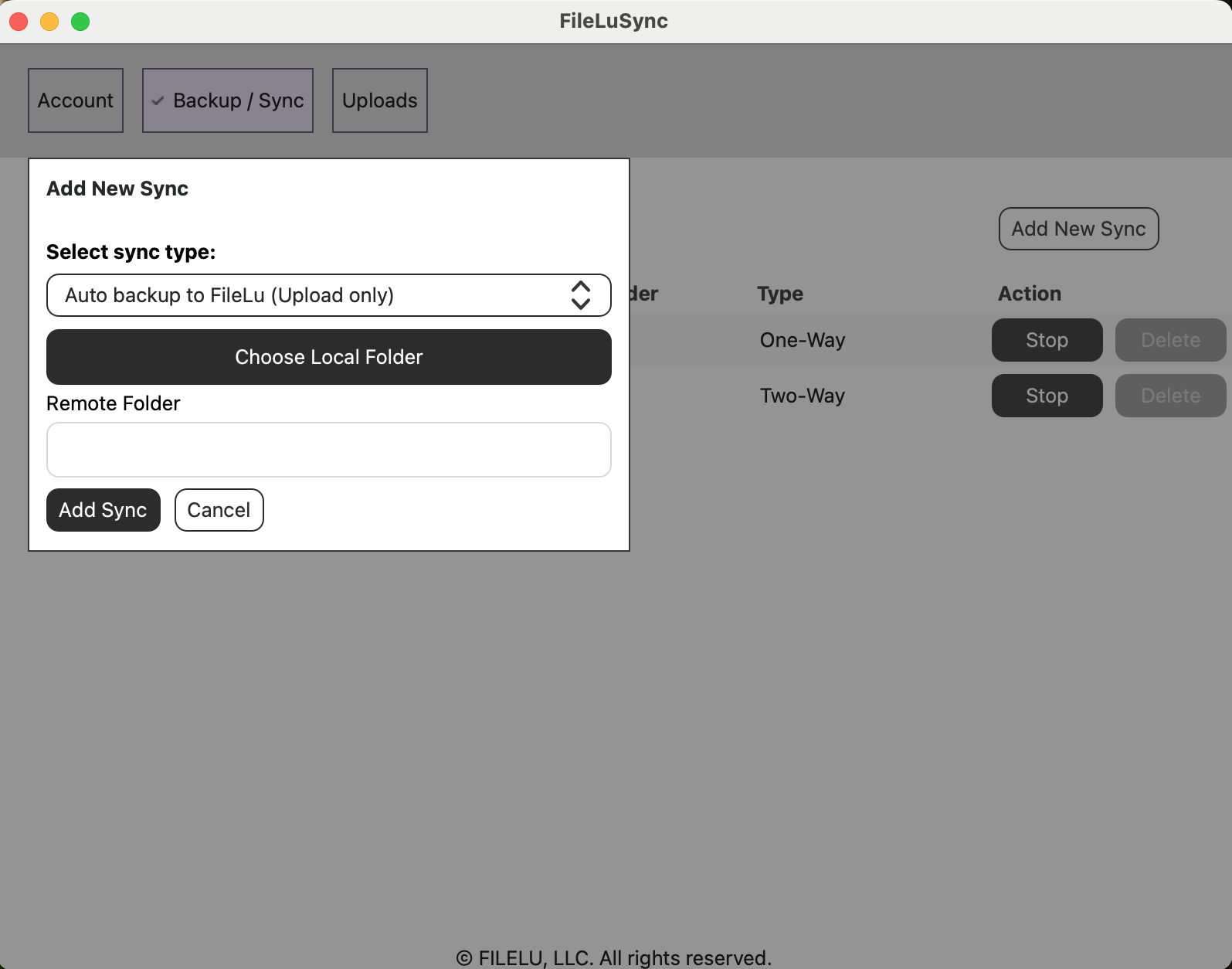
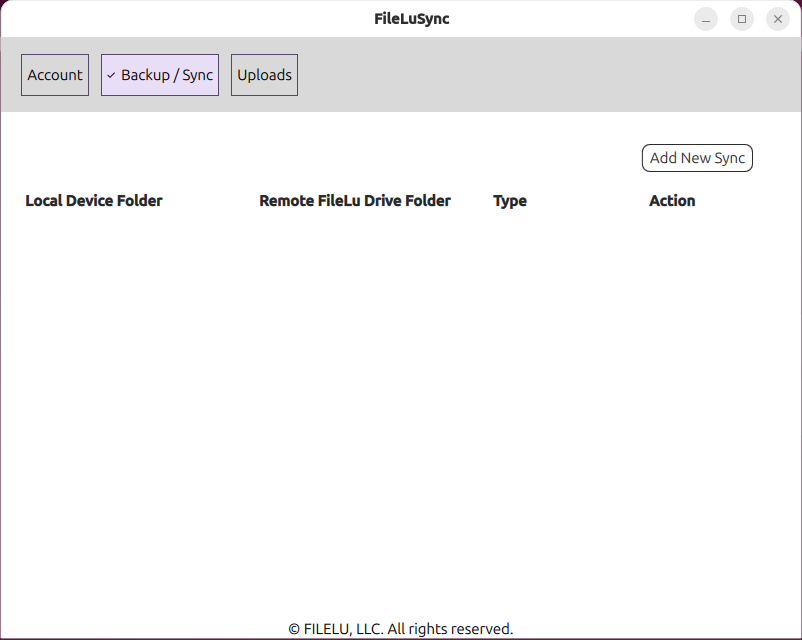
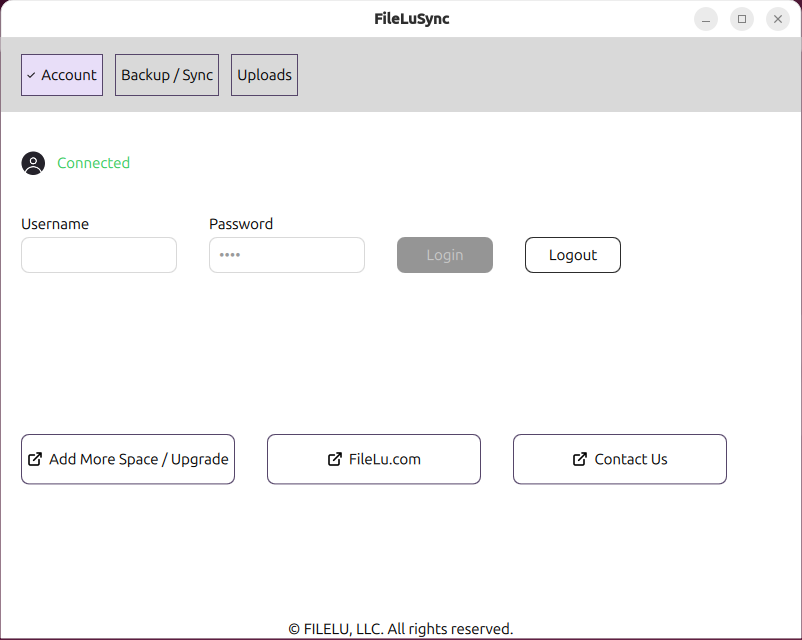
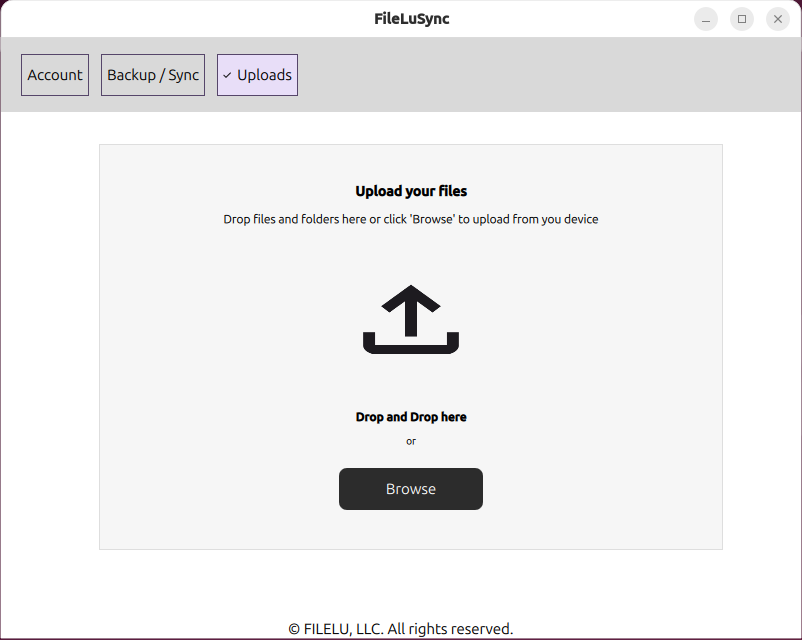
FileLuSync.exe. Please whitelist or add it as an exception in your antivirus settings.
macOS Installation Instructions
- Download and install the FileLuSync DMG file.
- Open Terminal from Launchpad, or press Command + Space, type Terminal, and press Enter.
- Run this command:
- Install macFUSE, required for mounting:
-
To auto start FileLuSync when you log in, run:
Or follow Apple’s guide: Open items automatically when you log in on Mac .
FileLuSync for Linux
Linux arm64: Raspberry Pi 64-bit or other ARM-based devices.
KDE Plasma Requirement
For some Linux versions, KDE Plasma may be required. Select your distribution to view installation instructions.
FileLuSync Features
FileLuSync FAQs / Help
Trusted by 146,000+ users worldwide.
FileLu delivers secure, scalable cloud storage with powerful upload tools, cross-platform access, and privacy-first encryption — all without hidden fees.
Get Started FreeUpload & Sync Tools
Upload via Web, FTP, WebDAV, Rclone, Rsync, API, mobile apps, browser extensions, and more.
Secure File Sharing
Share files via links, email, or teams with password protection and flexible access controls.
Privacy & Encryption
SSL-secured transfers and optional Secure-Solo-Cipher Encryption ensure only you control your data.
Flexible Storage
From free plans to 1PB scalable storage. Easily upgrade and share space with teams or family.